Algo Creator Studio — Built with Claude
Exploring a faster way to design—without losing system consistency.
I currently use Claude within the FYERS Design System workflow to accelerate product exploration, iteration, and screen creation from product requirements.
ROLE
PROBLEM
How AI can accelerate product exploration, iteration, and delivery while maintaining consistency with an established design system.
GOAL
AI-Assisted Design · Product Design · Interaction Design · UI
The Workflow
From product requirements to refined design
01 — Requirements
Understand the product problem, requirements, constraints, and expected outcomes.
↓
02 — AI-Assisted Exploration
Use Claude to translate requirements into initial design directions and explore possible solutions.
↓
03 — Evaluate
Assess the generated directions based on usability, hierarchy, interaction, and product context.
↓
04 — Refine
Iterate on the strongest direction and apply established UX and design-system principles.
↓
05 — Final Design
Bring the refined solution into Figma for detailed UI, prototyping, and final handoff.


How I Use AI ?
Explore faster
Quickly explore different approaches to information architecture, interaction, and UI.
Iterate faster
Make early design iterations and variations with less repetitive effort.
Challenge directions
Compare alternative solutions and identify opportunities before committing to a design direction.
Stay system-aligned
Use the established design system as a foundation for consistent product experiences.


Featured Work : Algo Creator Studio
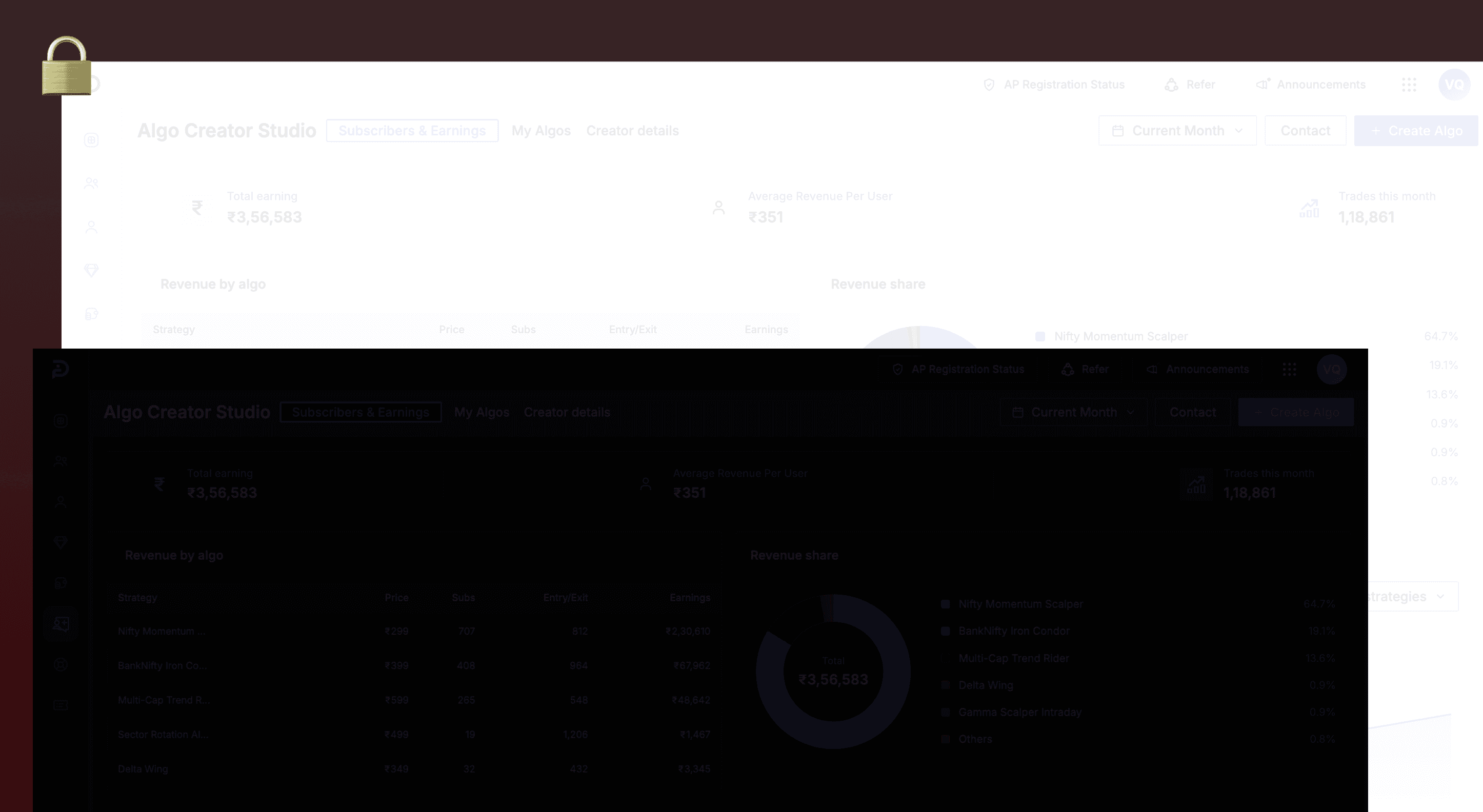
I designed the Algo Creator Studio for the Partner Dashboard using the AI-assisted workflow, exploring and refining a complex experience while working within established design-system standards.
01 — Understanding the Requirement
The challenge was to create an experience that enables partners to build and configure algorithmic strategies through a clear and manageable workflow.
02 — From Requirement to Exploration
I used Claude to translate the requirements into initial interface and interaction explorations, allowing me to quickly evaluate different approaches.
03 — Evaluating the Directions
Rather than directly adopting the generated output, I evaluated each direction against the product requirements, workflow complexity, usability, and existing design patterns.
04 — Refinement
The selected direction was refined through multiple iterations, focusing on hierarchy, interaction states, content structure, and consistency with the FYERS Design System.
05 — Final Design
A structured experience for creating algorithms
AI + Designer
AI accelerates exploration. Design judgment shapes the outcome.
I use Claude to accelerate the parts of the process where speed and exploration matter, while keeping problem framing, UX decisions, prioritization, and final design judgment with the designer.
Outcome
Faster exploration : More design directions can be evaluated early.
Faster iteration : Early changes and variations require less repetitive effort.
Better focus : More time can be spent on product thinking and design decisions.
Consistent delivery : Exploration remains grounded in established design-system standards.
Reflection : What I learned?
Working with AI has shifted my role from creating every design artifact manually to spending more time framing problems, evaluating possibilities, and making design decisions.
The most effective workflow is using AI to expand exploration while keeping human judgment at the centre of the design process.